
Compare
Head-to-Head Creator Tool Comparisons for Small YouTubers
Side-by-side comparisons of OpusClip, Vizard AI, Submagic, TubeBuddy, and vidIQ — tested on free plans, with notes on workflow fit and export limits.
Two tools that look identical on their homepages usually stop you in very different places once you actually use them. These comparisons are built from hands-on free-plan testing so you can pick by workflow fit, not marketing copy — and if you are still defining the workflow before choosing the tool, start with the creator workflow guides.
Based on CreatorIntelHQ methodology · How we test creator tools
Featured Comparisons
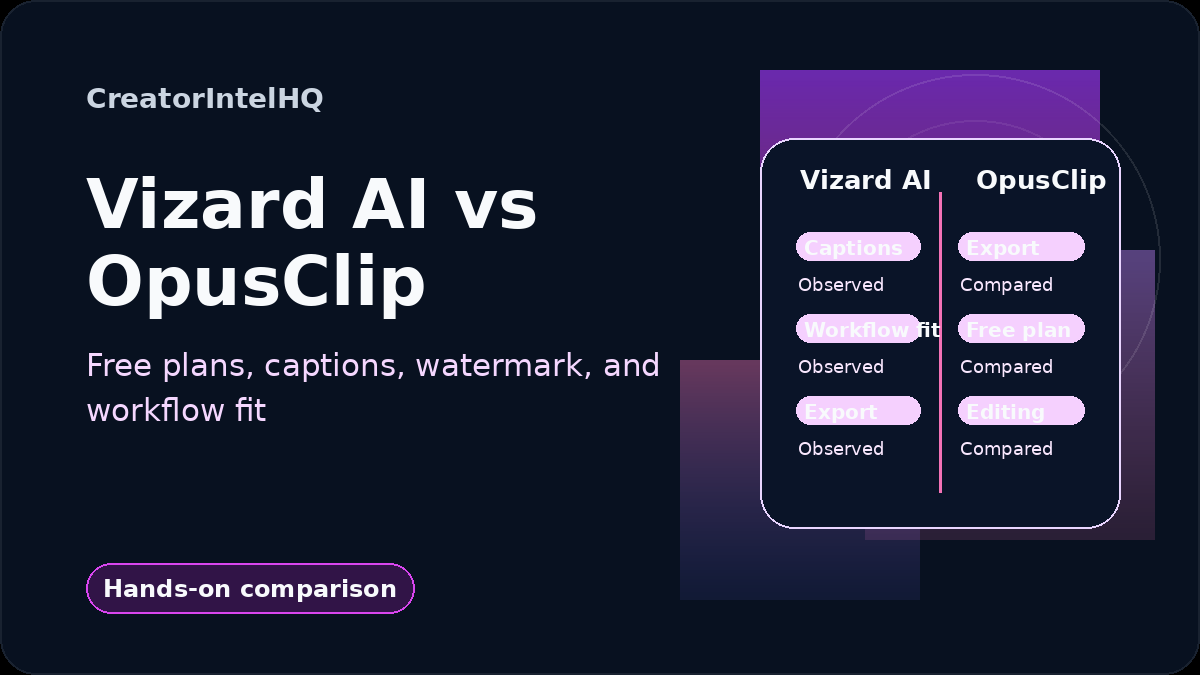
Vizard AI vs OpusClip
Vizard AI proved the full free loop — upload, captions, watermarked download in hand. OpusClip won on AI Reframe but stopped short of a confirmed export. The right pick depends on your bottleneck.
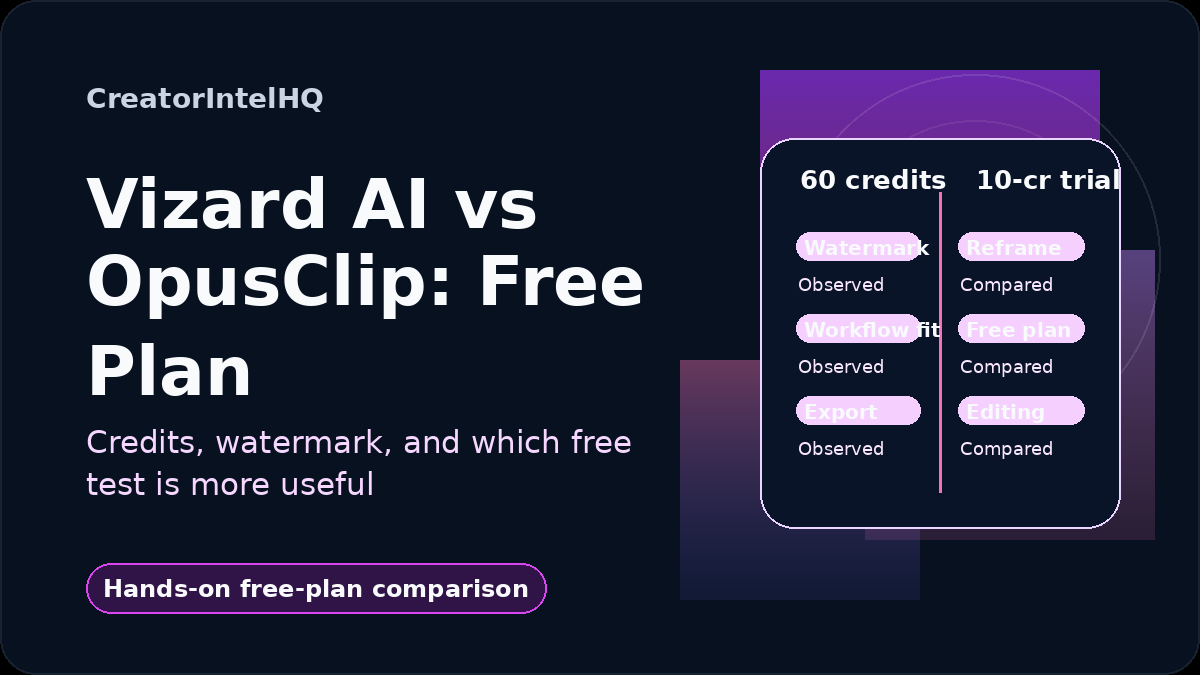
Vizard AI vs OpusClip: Free Plan Comparison
Only one of these tools let me keep a downloaded file for $0. I took both free workflows to the download step — here's exactly where each one stops you.
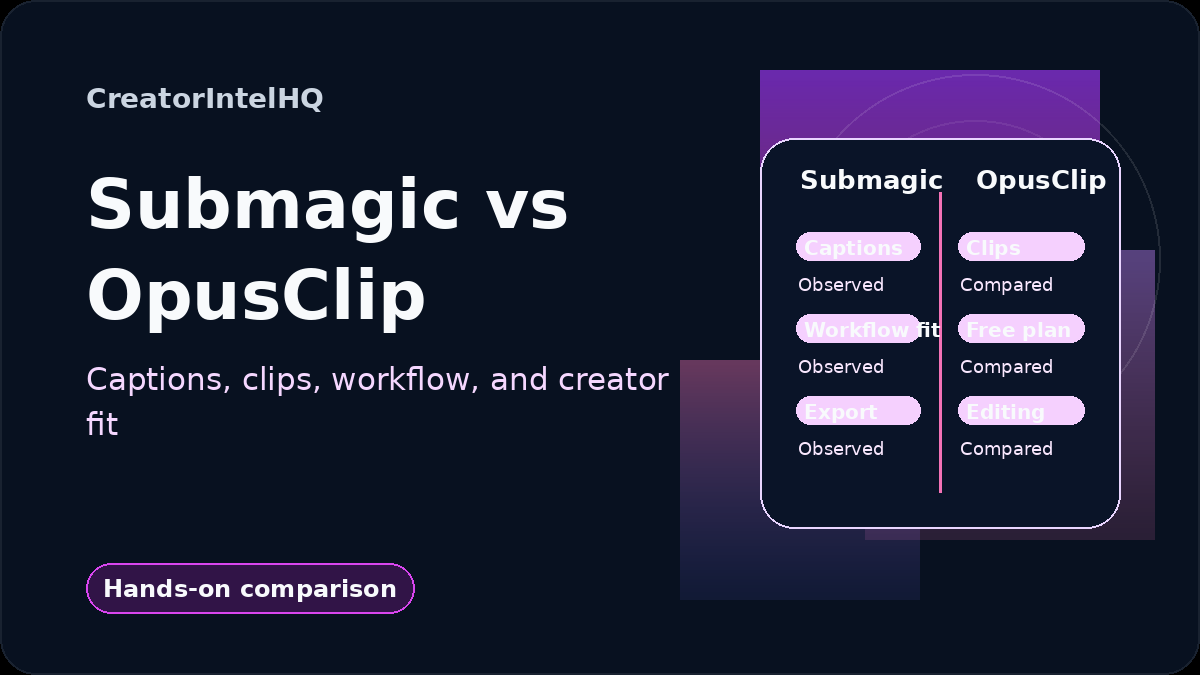
Submagic vs OpusClip
Caption-first vs clip-first — and neither free export was as simple as the pricing pages suggest. Here's what each tool actually produced in my tests.

Quso.ai vs Vizard AI
One of these hit an upgrade wall before a single clip existed. The other let me finish, preview captions, and download. Both free plans tested hands-on.
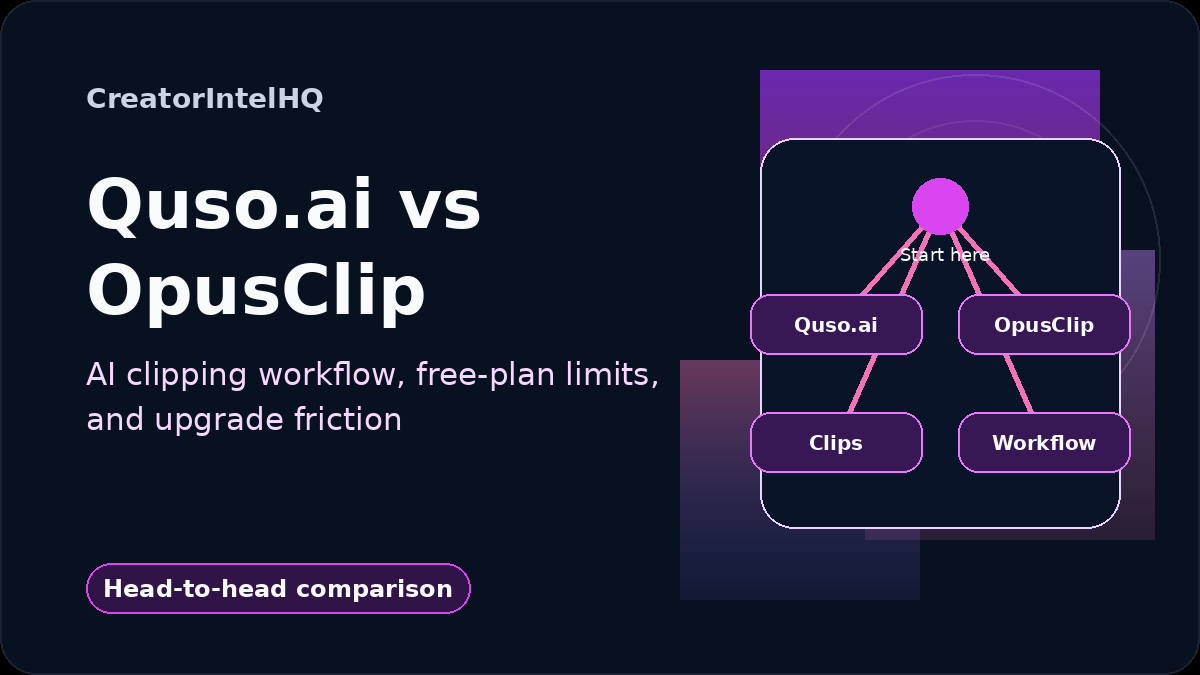
Quso.ai vs OpusClip
Quso.ai opened a paid upgrade modal before a single clip generated. OpusClip finished its AI Reframe and showed the result — though its free export is still unverified. What we could and couldn't prove at $0.
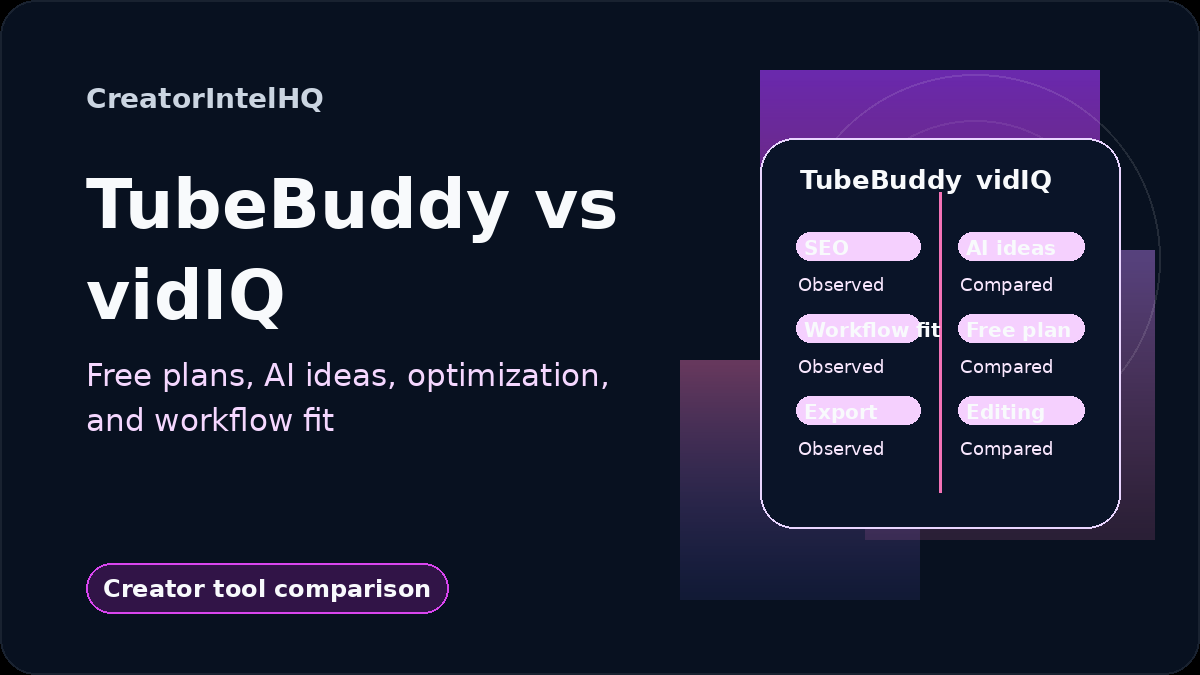
TubeBuddy vs vidIQ
Both lock their best data behind upgrades — but in different places. Where each free plan actually stops, from hands-on use.
How CreatorIntelHQ Compares Tools
Comparison here is not a spreadsheet exercise: two tools can look identical in a feature table and still stop you in completely different places once you sign up. Each compare page is built from documented hands-on testing and tells you where the tools overlap, where they genuinely differ, who each one fits, and when paying for one makes more sense than the other. The goal is a clearer decision, not a longer feature list — the full methodology is in the editorial process.
Where To Go Next
If you are still broad in your search, start with the bigger category pages.
Best Tools
Use this if you still need to narrow down categories or understand where to begin.
Reviews
Use this if you want a more detailed look at how an individual tool fits into a workflow.
Tools
Use this if you want something practical to try right now.