
AI Video Tools That Block Export on the Free Plan (We Found Two)
There's a difference between a free plan that has limits and a free plan that's engineered to frustrate you into paying. The first kind is honest: here's your allowance, here's the watermark, spend it how you like. The second kind is bait. It walks you all the way to the finish line — upload, process, preview, get your hopes up — and then locks the exit.
After putting four AI video tools through the same free-plan workflow, two of them never let a single export finish. Not "watermarked it." Not "downgraded the quality." Blocked it. And the frustrating part is that both of them felt generous right up until the moment they didn't. If you've ever wondered which are the ai video tools that block export on free plan before you download anything, here's what happened, in order.
Based on CreatorIntelHQ methodology · How we test creator tools
The two tools that blocked export entirely
Quso.ai — stopped before generation even finished
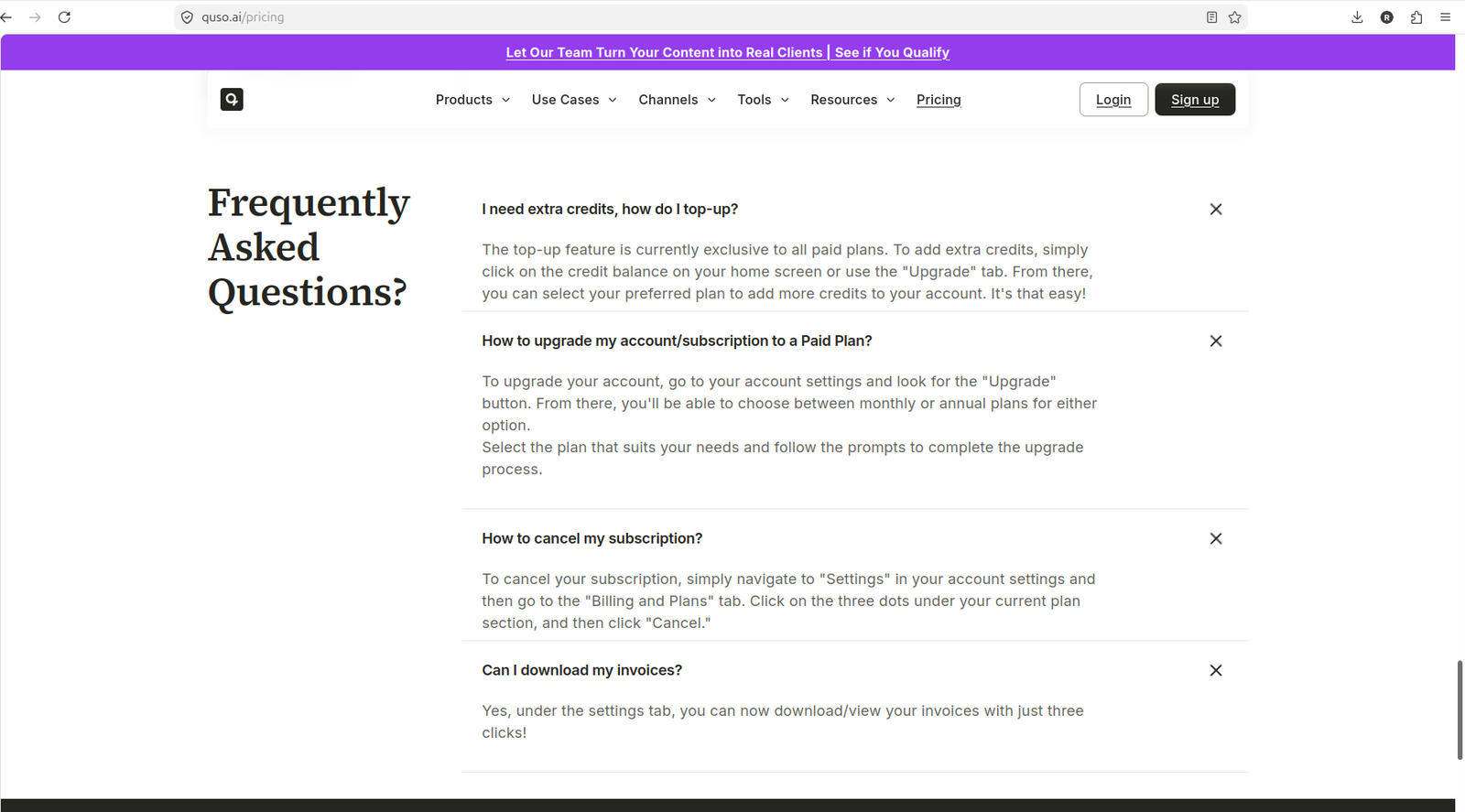
Quso.ai has the most generous-looking free plan on paper. The pricing page lists 75 credits a month, 720p rendering, AI Clips and Captions, YouTube Chapters, and direct TikTok publishing. Reading that, you'd assume you're getting a real workhorse for zero dollars.
Then you actually use it. A YouTube link was pasted in, and Quso detected the video, showed a language selector, and displayed an estimated cost of about 8 credits to generate clips. Reasonable. Click Generate clips — and instead of processing, a paid-plan upgrade modal appeared, pushing Lite, Essential, and Growth. No clips generated. No credits deducted. Just the wall.
To be fair, a local MP4 was tried next, with a smaller estimate of roughly 1 credit. Same result: click Generate, get the upgrade modal. The quso ai free plan blocked generation both ways. And the pressure didn't stop there — an upgrade modal popped after onboarding, the Posts section threw up an "Unlock Now" wall, the Planner demanded an upgrade to "Unlock AI Planner," and the Analytics page only showed sample data with a banner telling you to upgrade for real numbers. It's less a free plan than a guided tour of everything you can't do.
The consequence for you: you cannot judge whether Quso's clips are any good, because you're never allowed to make one. Every minute spent learning its interface is a minute spent learning a paywall.
Submagic — export reachable, but guarded by a popup gauntlet
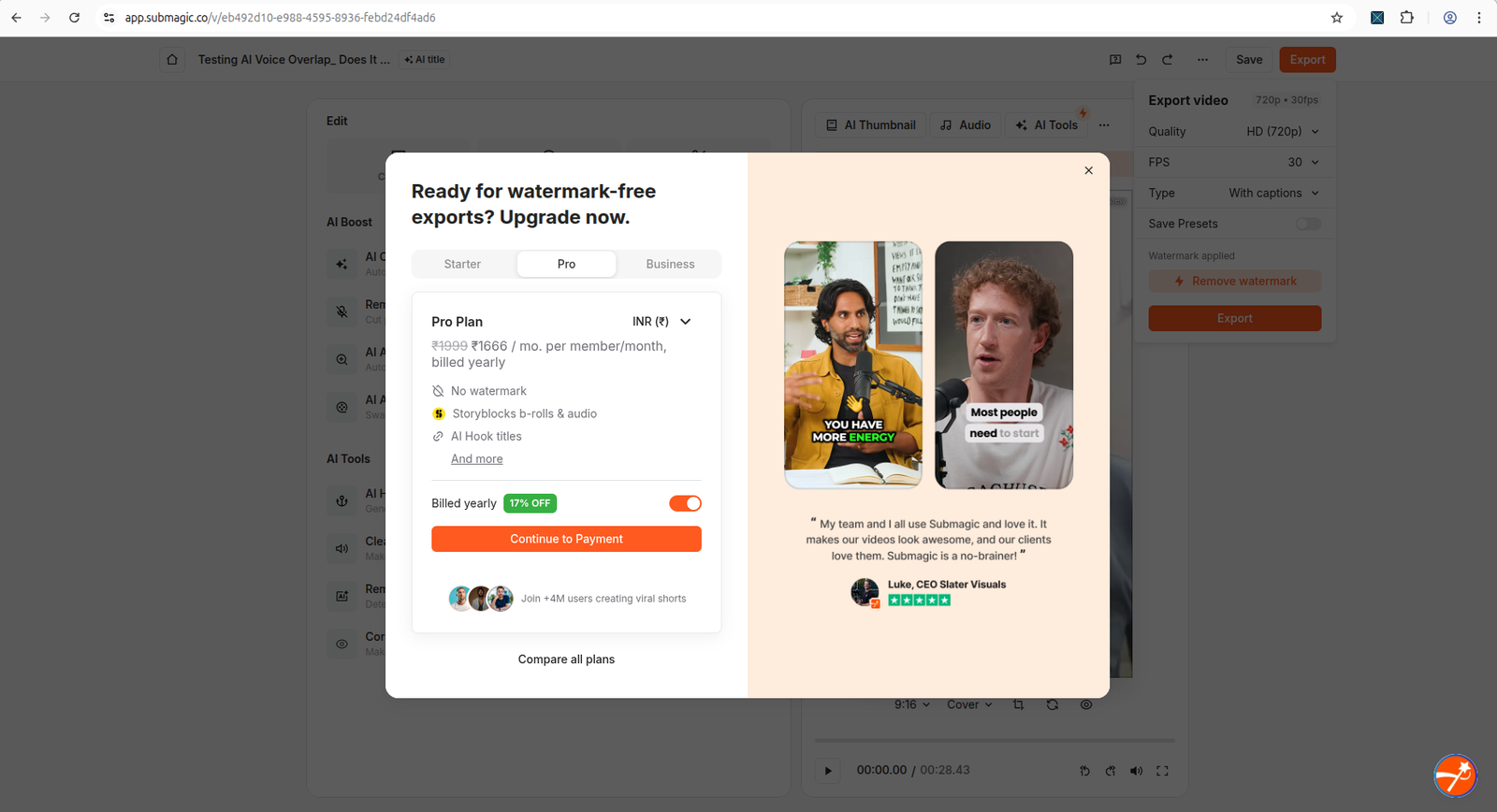
Submagic is sneakier, because it feels like it works. The free trial gives you 3 videos, 1 Magic Clip, and 10 API minutes, no credit card required. Upload is clean (MP4, MOV, or MP3, up to 10 minutes and 2GB), the caption workflow is fast, and a captioned clip opens in the editor looking sharp. At this point you're sold.
Then you click Export. Up comes an upgrade popup promoting watermark-free export and the Pro plan. Annoying, but you close it — and instead of returning to a clean export screen, Submagic shows a second popup, a referral offer dangling "15 free videos" if you share a referral link. Close that one too, and the editor is still showing "Watermark applied" with a "Remove watermark" button that, of course, requires paying.
So is this submagic export not working free? Not quite — a determined person can grind out a watermarked file. But you have to fight through two upgrade prompts to do it, and the tool clearly hopes you'll cave somewhere in the gauntlet. That's the "designed to frustrate" pattern in its purest form.
The two tools where export works — with a catch
The other two didn't block you. They just made you accept a trade.
Vizard AI — the download works, the watermark stays
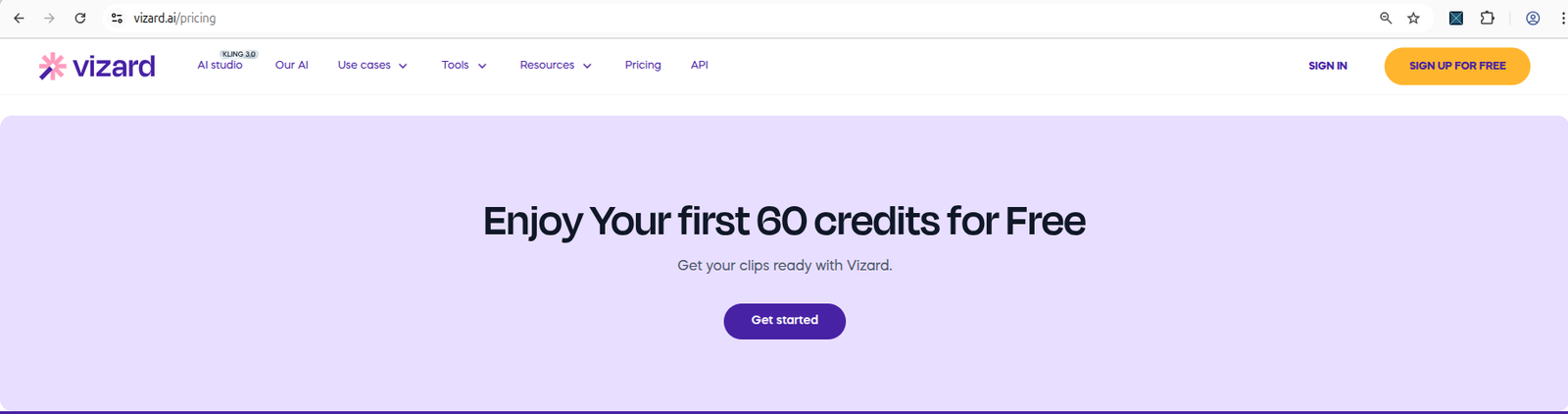
Vizard is the most honest of the four about what free actually means. Sign up (Google or email), get through a short three-step survey about your role and goals, and land on a workspace with 60 credits visible. Upload an MP4 and the balance ticks to 59 — you can watch it happen. A 27-second test clip processed in under a minute.
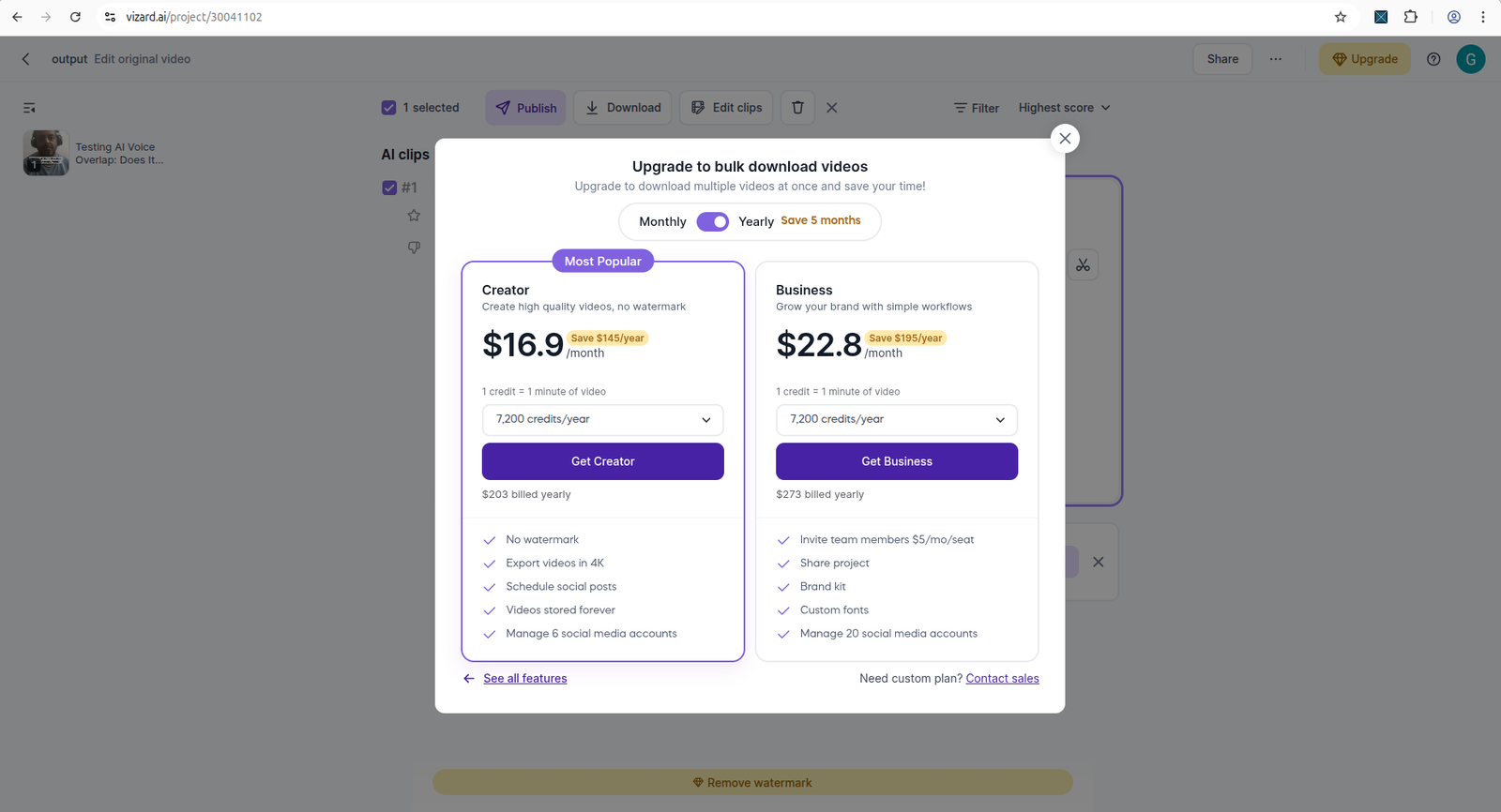
When it came time to download, an upgrade modal did appear (Creator and Business plans), but closing it let the download proceed. The catch: the finished file carried a visible Vizard watermark. That's the vizard ai free plan watermark on download reality — you get a real, usable file, it just has Vizard's name on it. The reframe also wandered a bit (the subject drifted off-center in the vertical crop), so plan a review pass. But nobody stopped you from leaving with a clip.
OpusClip — the download works, the watermark stays
OpusClip runs on a 10-credit, 7-day trial with no card required. Each AI action burns one credit, and you can watch the meter fall — 10 to 9 to 8 to 7 across a few runs. The full editor is open, the AI Reframe to 9:16 completed cleanly, and you get transcript analysis on the result.
The wall is only at the end: click Download HD and a popup tells you, plainly, that free and trial users get an OpusClip watermark on exported clips. This is the honest answer to does OpusClip watermark free videos — yes, and it tells you so upfront rather than springing it. The real limit here is time and volume: 10 credits, 7 days, then the trial's done. But within that window, you can actually finish.
Why "free plan" doesn't mean "free export"
None of this is an accident. These tools sell subscriptions, and the free tier exists to demonstrate value while withholding the one thing you most want — a clean, finished, watermark-free file you can post. The watermark and the export wall are the product. That's the business model, and understanding it stops you from taking "free plan" at face value.
The distinction that matters: a plan that gives you a watermarked file (Vizard, OpusClip) is still letting you evaluate the tool. A plan that won't let you generate or export at all (Quso, and Submagic's popup maze) is only letting you evaluate the paywall.
The one question to ask before trying any tool
Before you sign up for anything, ask this:
"Can I download a real clip on the free plan, without entering a credit card?"
If the honest answer is no — as it was for Quso.ai — skip it until you're ready to pay. There's no point learning a tool you can't finish a job in. If the answer is "yes, but watermarked," like Vizard and OpusClip, that's a perfectly good deal for testing.
What small YouTubers actually need from a free plan
Here's the reframe that makes all of this easier: a free plan isn't for publishing. It's for deciding. You're not trying to ship a watermark-free masterpiece on day one — you're trying to answer three questions cheaply.
- Does the workflow fit how you work? Upload, generate, edit, export — does it feel natural or like a fight?
- Do you like the caption style? Auto-captions are where these tools differ most; a watermarked preview is enough to judge them.
- Does the reframe keep your face in the frame? For talking-head content, a crop that drifts (like Vizard's did) is a real problem you want to catch before paying.
Judged that way, a watermarked free export is exactly enough. A blocked export is not. That's the whole line. For the step-by-step routine that surfaces this fast, see how to test an AI video tool before paying, or jump to the free plan checklist to keep beside you while you test.
Dig into the tools that pushed back
The two tightest free plans are documented in full:
- Read the full Submagic export test — the upgrade popup and referral gauntlet, step by step.
- Read the full Quso.ai upgrade wall test — where generation stopped before a clip was made.
- Compare all tools side by side — the comparisons hub for every head-to-head.
Frequently asked questions
Why do AI video tools block export on the free plan?
It's a deliberate business model. Tools let you complete most of the workflow to show value, then gate the final step (export or download) behind a paid plan. Submagic and Quso.ai use this approach.
Is Submagic's free plan actually free?
Submagic offers 3 free video projects with no credit card required. Upload and caption preview work. However in our test, clicking Export led to upgrade and referral popups — we could not confirm a clean free download.
Does Quso.ai have a free plan?
Quso.ai shows 75 credits/month on its pricing page. However in our test, clicking Generate clips triggered a paid upgrade modal before generation started. We could not verify free clip creation.
Can Quso.ai's free plan generate clips from a YouTube link?
In our test, Quso.ai accepted the YouTube link and showed an estimated ~8 credit cost, but clicking Generate clips opened a paid upgrade modal instead of starting processing. The free account could not complete the YouTube-to-clips workflow without upgrading.
Does Quso.ai show its free credit balance in billing settings?
In our test, the Billing and plans page confirmed the account was on the Free plan but did not clearly show a 75-credit balance. Credit estimates appeared during generation setup, but generation itself was blocked by an upgrade modal in both the YouTube and MP4 tests.
Related guides
- The AI video free plan checklist — the 7 checks that expose a weak free plan fast.
- AI video repurposing tools compared — the same clip run through all four tools.